quick answer
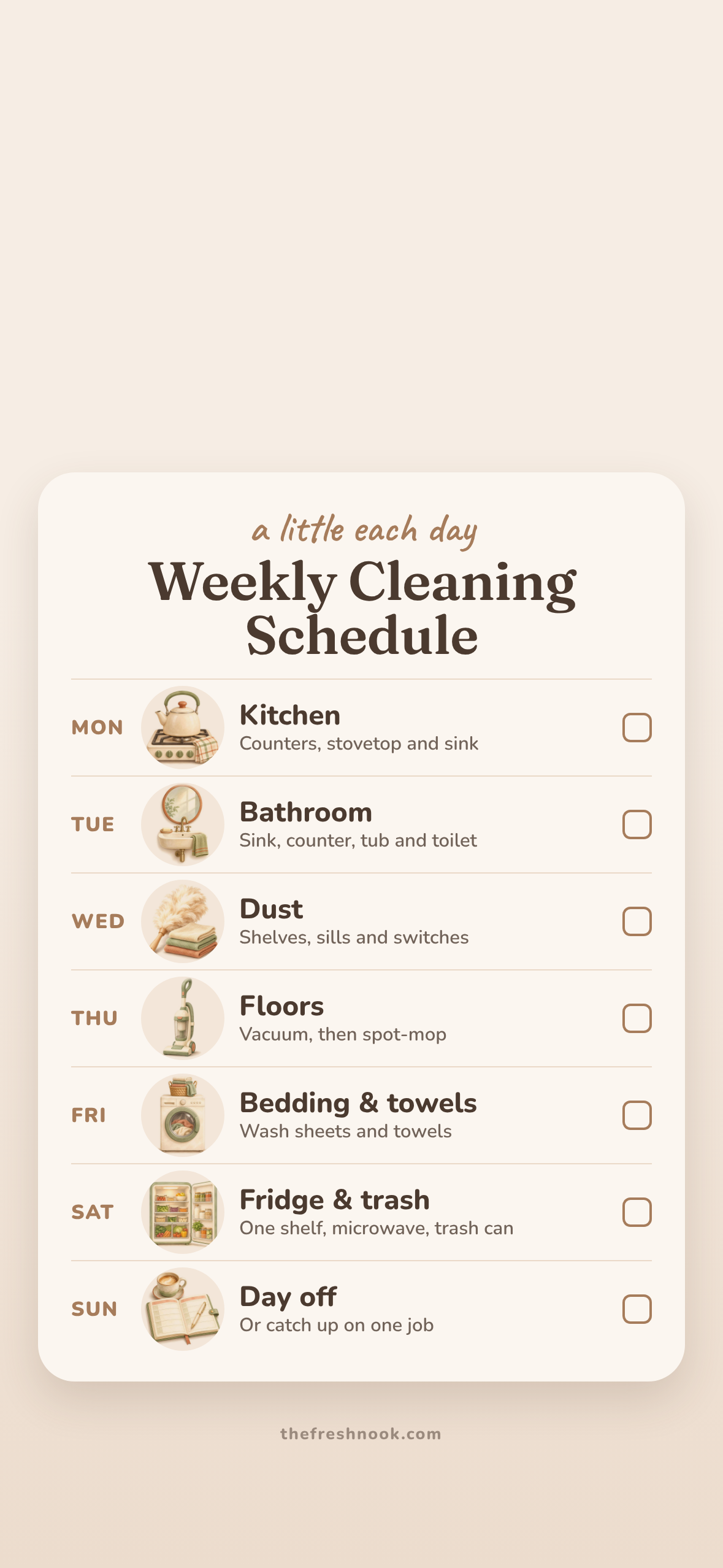
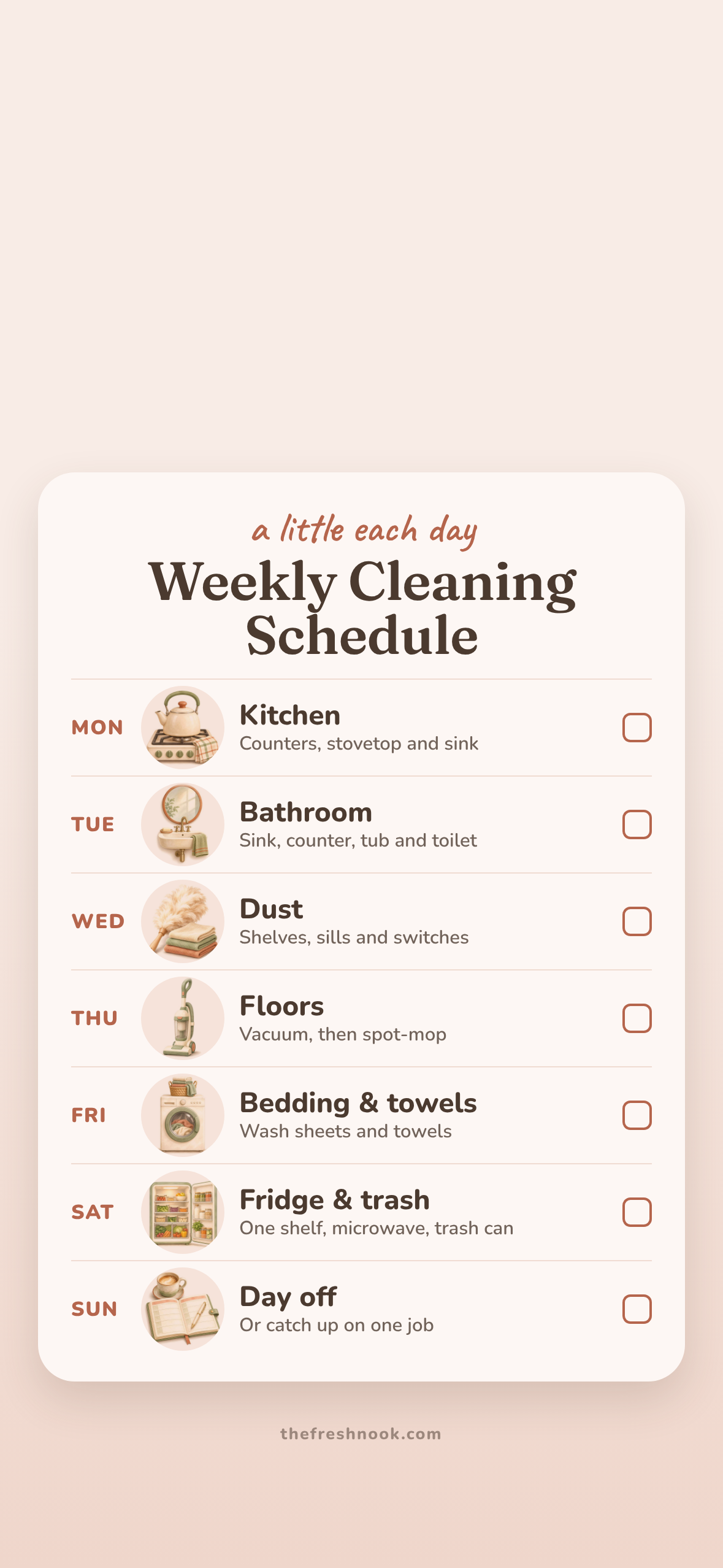
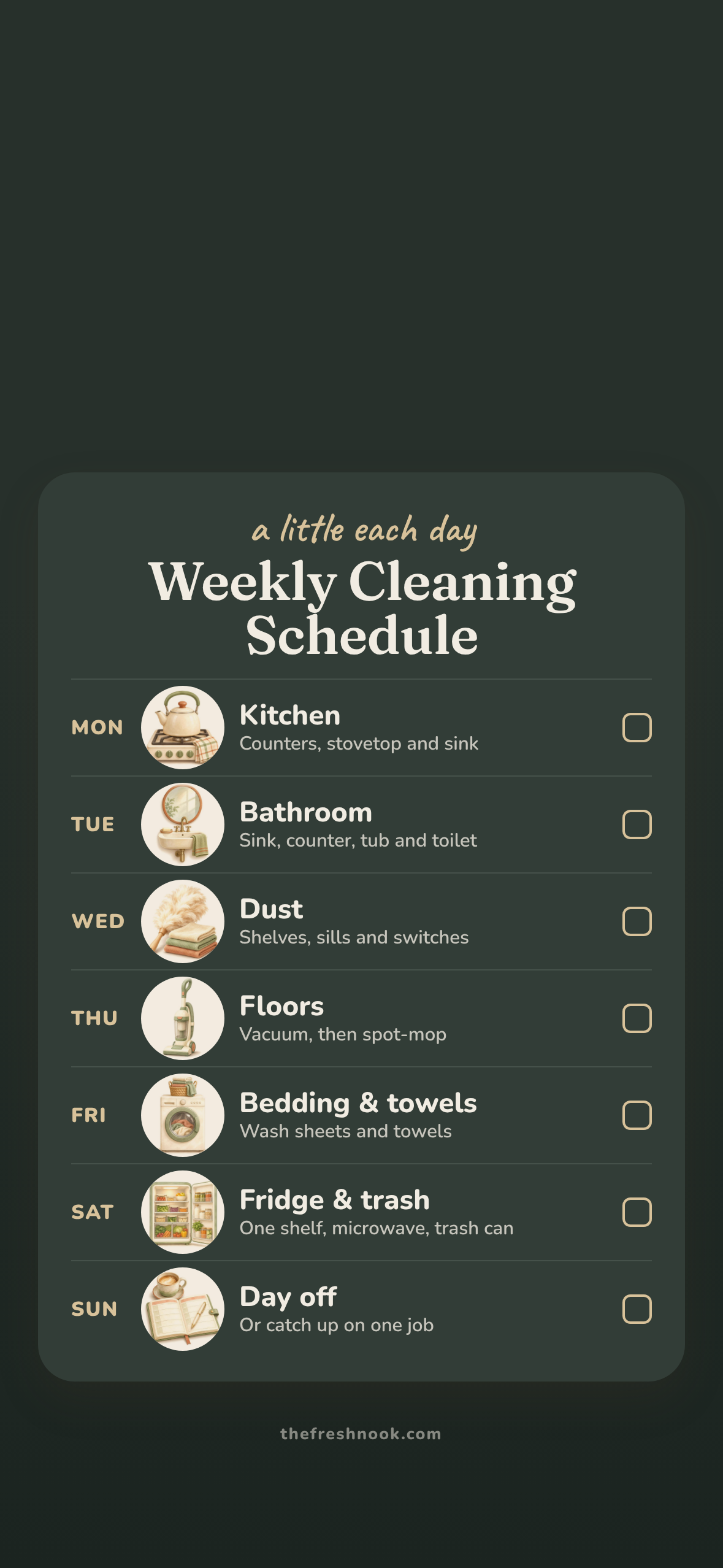
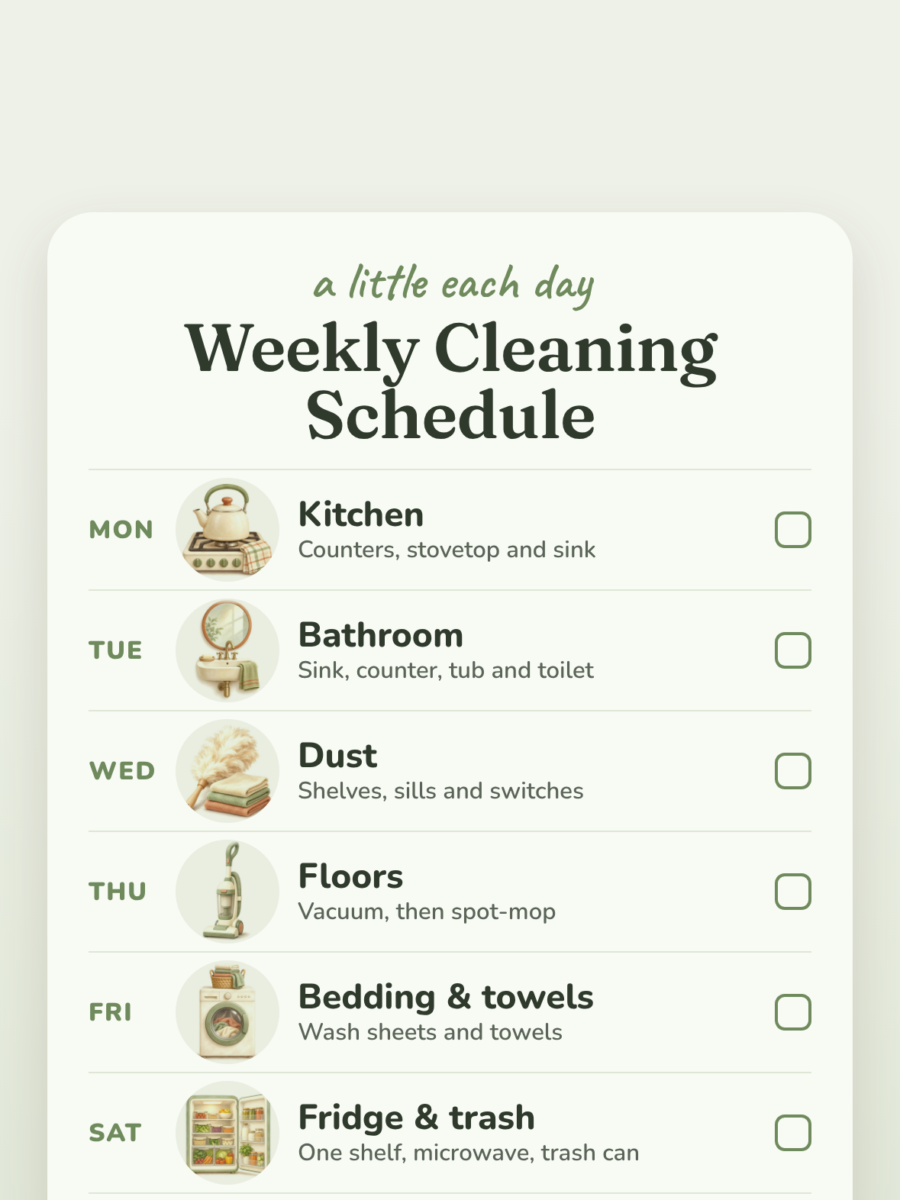
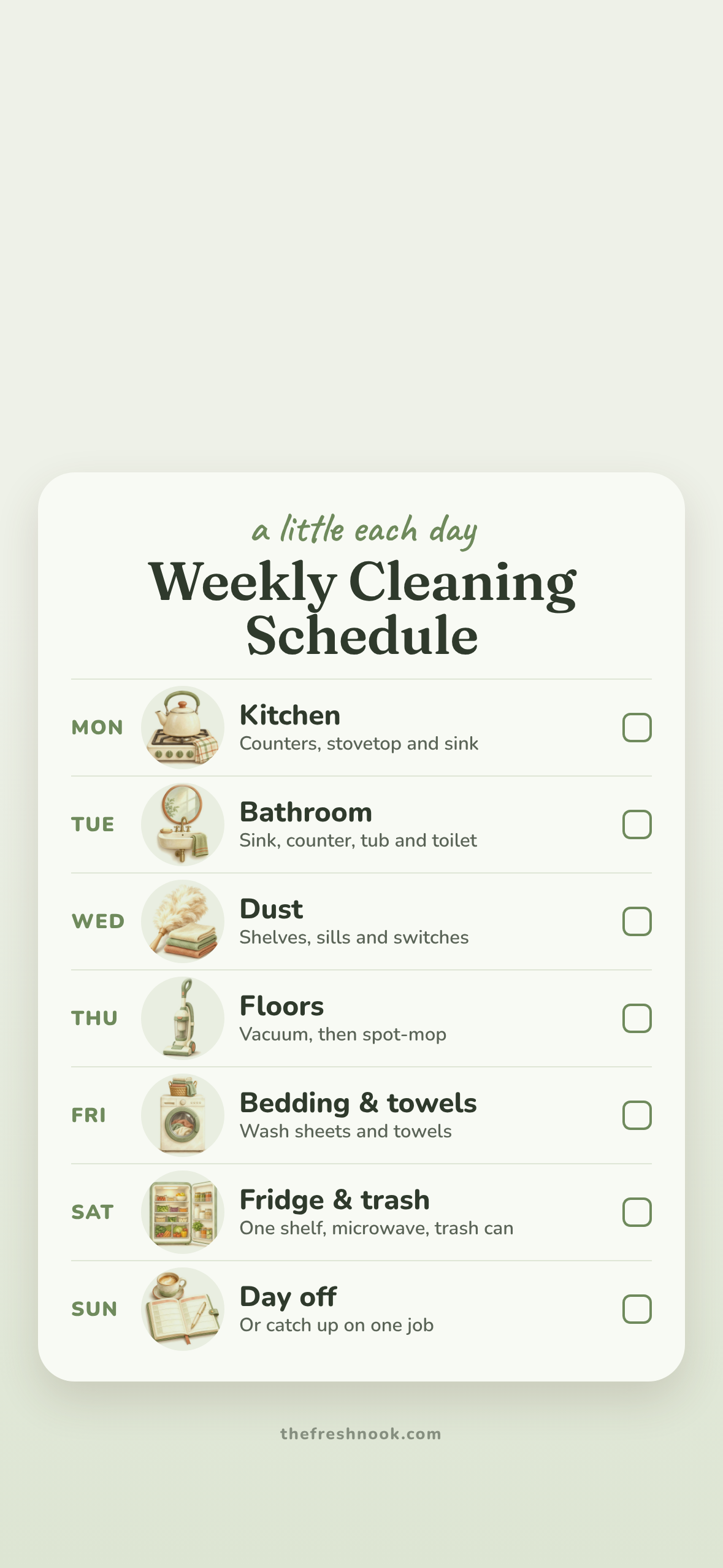
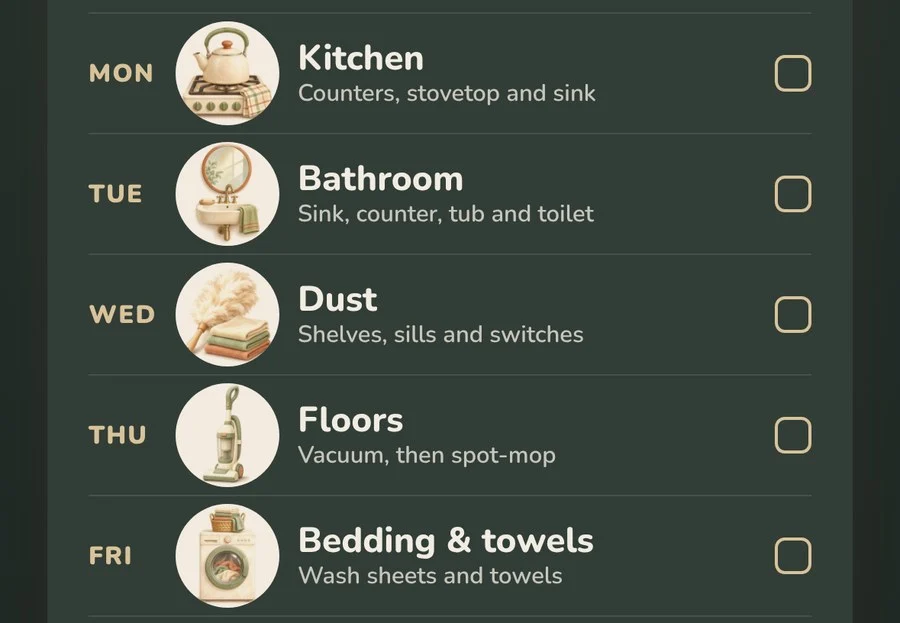
Save this free wallpaper to your phone and you will see one small cleaning job every time you check the time: kitchen on Monday, bathroom on Tuesday, dust on Wednesday, floors on Thursday, sheets and towels on Friday, the fridge and trash on Saturday and a day off on Sunday. It comes in four colors and fits most modern phones.
Time: 2 minutes to set up · Level: Easy
You will need: A phone, 2 minutes
A cleaning plan only works if you remember it. Most of us write one down, put it on the fridge and forget about it by Wednesday.
Your lock screen is the one place you look at dozens of times a day. This wallpaper puts a simple weekly plan right there, so the day’s job is always one glance away.
free printable
Free for personal use. No email needed. Tap a color, then save the image to your phone.
What is on the schedule
Each day has one short job you can finish in about 15 to 20 minutes:
- Monday, kitchen: wipe the counters, stovetop and sink.
- Tuesday, bathroom: sink, counter, tub and toilet.
- Wednesday, dust: shelves, window sills, door handles and light switches.
- Thursday, floors: vacuum the busy paths, then spot-mop sticky areas.
- Friday, bedding and towels: wash the sheets, towels and pet bedding.
- Saturday, fridge and trash: one fridge shelf, the microwave and the trash can.
- Sunday, day off: rest, or catch up on one job you missed.
If a day goes wrong, skip it. The next job is small enough that you can pick up again tomorrow.
How to set it as your lock screen
iPhone: open the image, tap the share button, choose Save Image. Then go to Settings, Wallpaper, Add New Wallpaper, Photos, and pick it. Pinch to fit if needed.
Android: open the image, tap the menu, and choose Set as wallpaper, then Lock screen. The steps can differ a little by phone brand.
The top of the image is left plain on purpose, so the clock does not cover the list.
Make it fit your week
This is a starting point, not a rule. If you are busy on Fridays, wash the sheets on Saturday and do the fridge on Friday instead. If you work late on Thursdays, move the floors to the weekend. Want the steps for each day? They are in our weekly cleaning schedule for a small apartment, with a free printable version.
The point is to have one small job a day, so no day turns into a five-hour cleaning marathon.
Why one job a day works
A short daily job is easier to start than a long cleaning day. You do not need to plan, find energy for three hours or give up a whole Saturday.
Small jobs also keep dirt from building up. A bathroom sink wiped every week takes a few minutes; one left for a month takes much longer.
Seeing the job on your phone takes away the question “what should I clean today?”. The answer is already there.
Make each job faster
Keep the supplies for each job close to where you use them. A spray and a cloth under the bathroom sink means Tuesday starts in seconds, not after a hunt through the closet.
Put on a timer, a podcast or one album. When it ends, you are done, even if something is left. Next week is coming anyway.
Work top to bottom: shelves and counters first, floors last, so dust falls onto a floor you have not cleaned yet.
If you live with other people
Share the wallpaper with your partner, roommate or older kids. When everyone sees the same plan, it is easier to split the jobs.
You can also take turns: one person does the odd days, the other does the even days. The list stays the same, only the name changes.
What to do on a bad day
Some days the full job will not happen. On those days, do the smallest piece of it: wipe only the stove, clean only the toilet, vacuum only the hallway.
A small piece still counts. The habit matters more than a perfect week.
Where to start
- Save the wallpaper in your favorite color.
- Set it as your lock screen.
- Do today’s job now. It takes about 15 minutes.
free printable
Free for personal use. No email needed. Tap a color, then save the image to your phone.
free printable
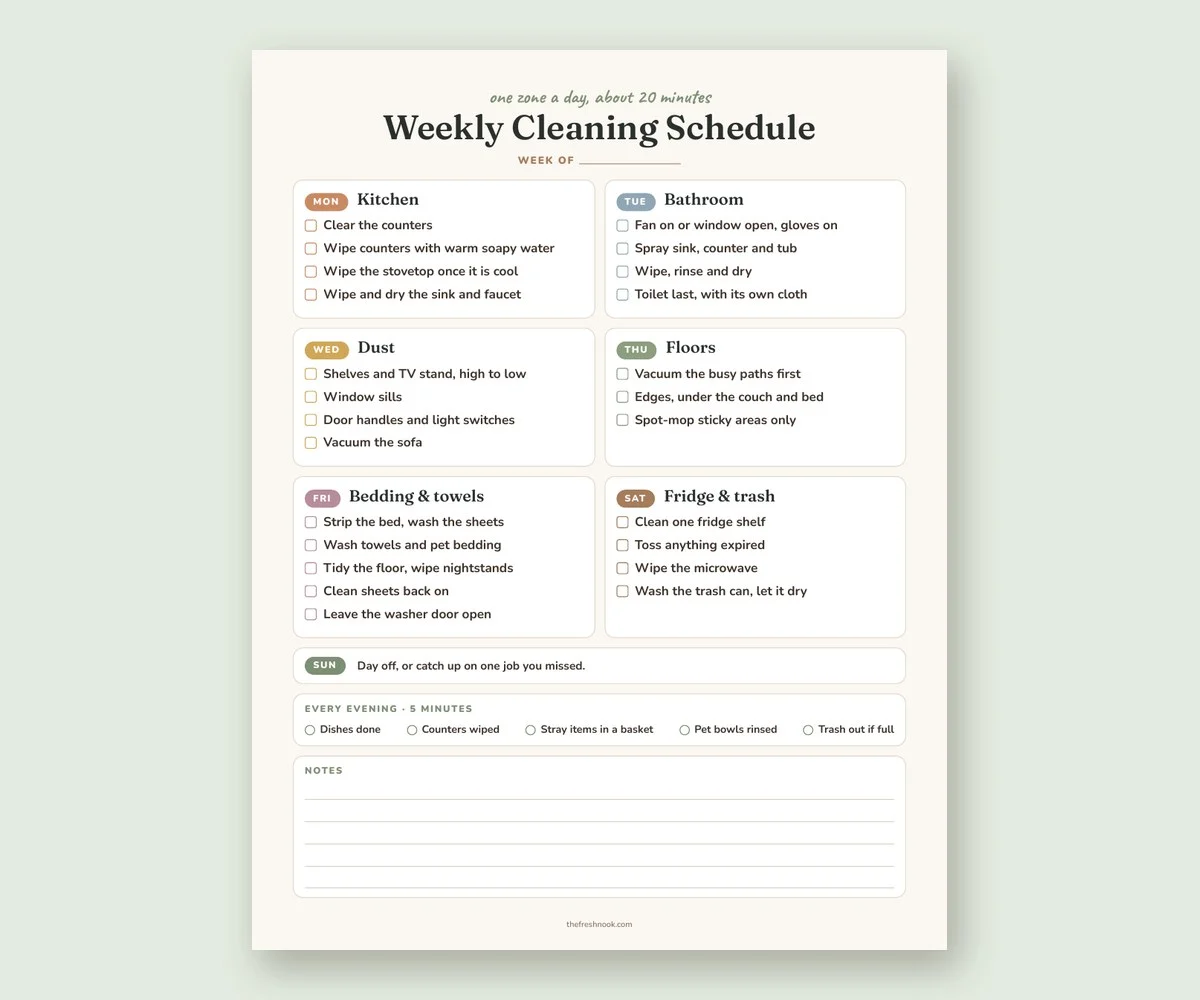
Prefer paper? The same week is on one Letter page: a job for each day with checkboxes, the five-minute evening reset and room for notes. Page two is a blank plan for your own week.
from our shop
Want a printable version you can write on? Our Realistic Cleaning Schedule for Adults has three ready plans (15 minutes a day, a weekend batch, or shift-work friendly), each with a 4-week tracker. It is sold on Creative Fabrica.
Made by us · sold on Creative Fabrica · affiliate link
Quick answers
Will the wallpaper fit my phone?
It is made at 1179 by 2556 pixels, the shape of most recent iPhones and many Android phones. On other screens you can pinch and move it to fit.
Can I print it?
Yes. Use the free Letter version above: the same days with checkboxes and room for notes.
Is it really free?
Yes. It is free for personal use, and you do not need to give us your email.
Which color should I choose?
Pick the one you will enjoy seeing many times a day. The night version is easier on the eyes in the evening.
Can I change the days?
The image cannot be edited, but you can simply do the jobs in your own order. The list is a guide, not a rule.